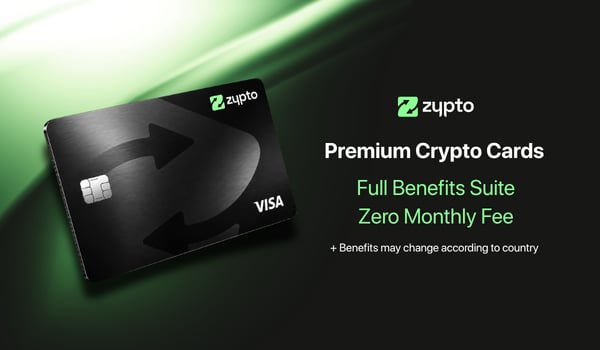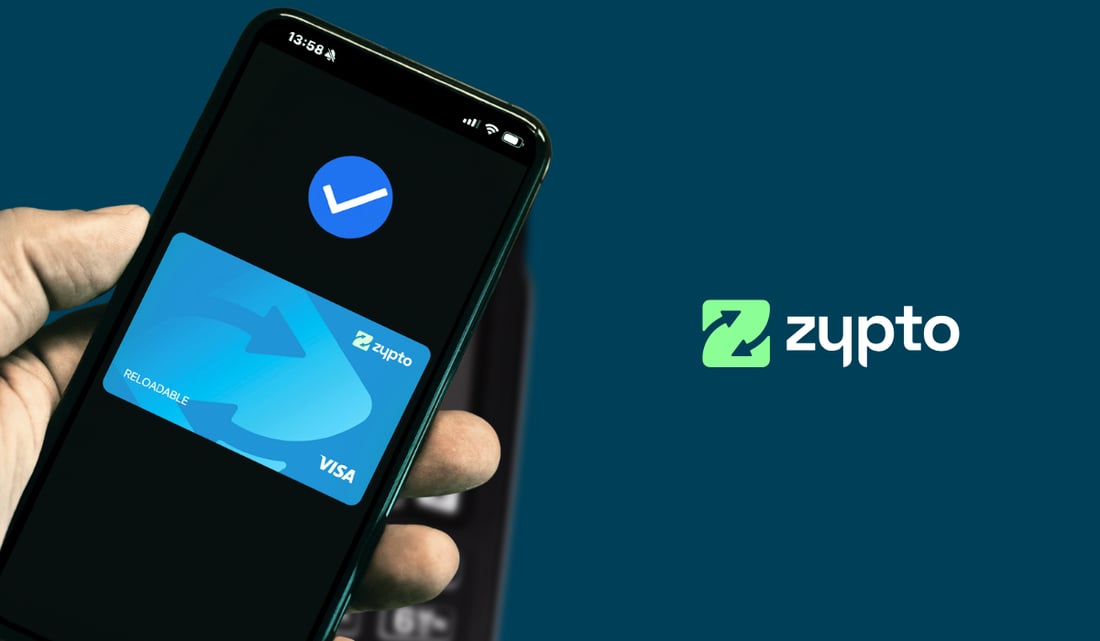
Yes, you can add a crypto card to Apple Pay and use it like any other card in your wallet. The Zypto Premium VISA Card loads from your crypto and sits in Apple Pay or Google Pay, so you tap your phone to pay wherever Visa is accepted. This guide covers how it works, how the conversion is handled, and how to set it up.
You already tap to pay for coffee, groceries, a train ticket. The card behind that tap is usually tied to a bank. With Zypto, the card behind the tap is funded from crypto you hold yourself, in a self-custodial wallet where you keep the keys.
How it works
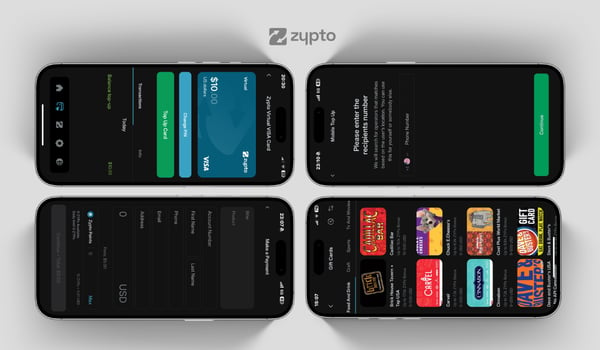
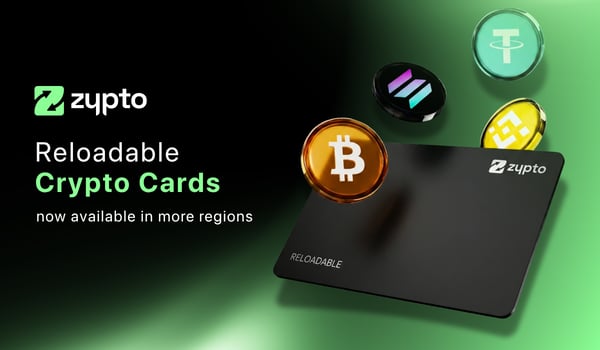
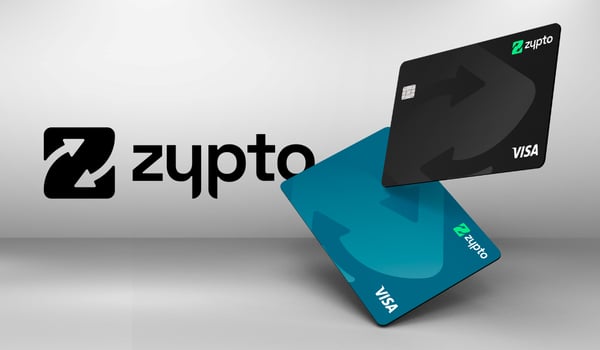
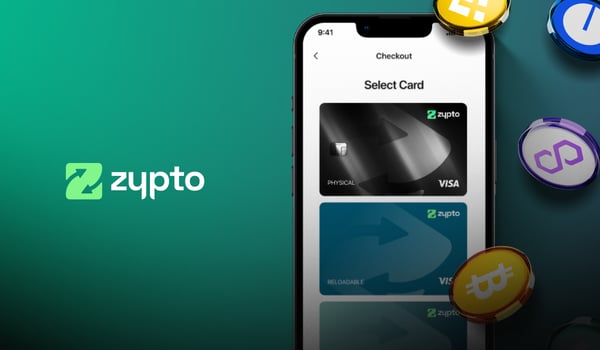
The Zypto Premium VISA Card comes in a virtual version built for exactly this. Order it in Zypto App, load it from your crypto, and add it to Apple Pay or Google Pay. From there it behaves like any other card in your phone: tap in-store, or use it for online checkout wherever Visa is accepted.
Nothing about the payment looks unusual to the merchant. You tap, it settles in local currency, you carry on with your day.
Conversion happens at load, not at checkout
This is the part worth understanding, because it works in your favor.
Your crypto converts to local currency when you load the card, on your timing, not at the till. You decide the moment. Load when the rate suits you, and the value is locked in as spending power on the card. When you tap to pay later, you are spending that loaded balance, so there is no conversion happening at checkout and no surprise at the counter.
That means you control the conversion moment instead of the market controlling it for you.
Set it up in minutes
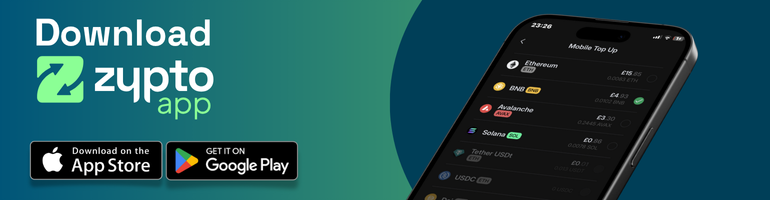
- Download Zypto App and set up your self-custodial wallet. No bank account needed.
- Order the Zypto Premium VISA Card (Virtual) in-app. KYC approval is quick.
- Load it from your crypto. The value converts to local currency as you load.
- Add it to Apple Pay or Google Pay and tap to pay.
The whole thing takes minutes, and the card is managed in the same app as your wallet, so topping it up later takes seconds.
Fund the card your way
You are not tied to one coin or one place to top up. In Zypto App you can load the card with:
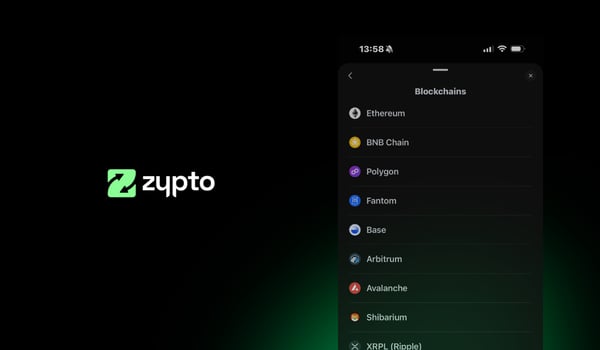
- Over 100 cryptocurrencies and stablecoins across a wide range of blockchains.
- ZYPs, the reward points you earn for using Zypto App, put straight onto the card.
- Crypto from an external wallet or exchange, where supported, without moving everything into one place first.
- Your KuCoin balance, loaded directly through the KuCoin Pay integration.
Whichever route you use, the value converts to local currency when you load, and the card is ready to tap in Apple Pay or Google Pay.
A card backed by a whole ecosystem
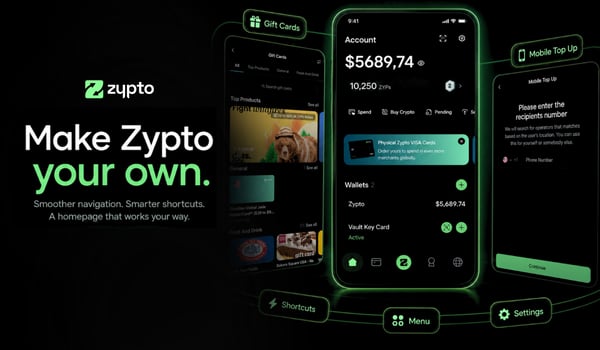
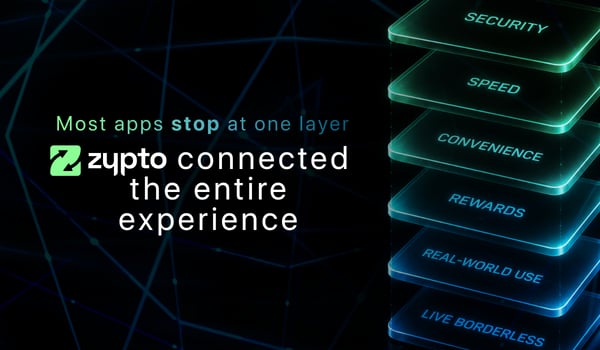
The card is not a bolt-on. It sits inside the same self-custodial app as everything else you do with crypto, which is what makes funding it so quick.
- Your wallet holds 24,000+ assets across 20+ blockchains, with the keys on your device.
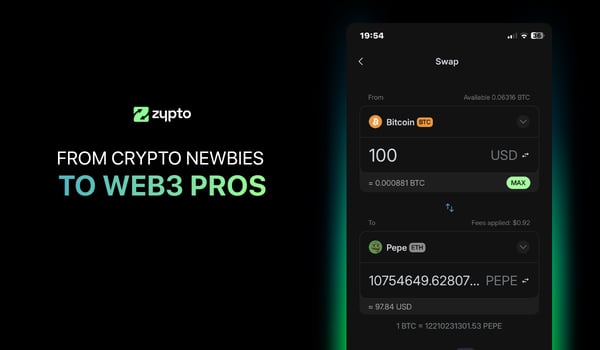
- Cross-chain swaps move you between assets on over 1,000,000 routes, so you can get funds into the right coin before you load.
- Bills, mobile top-ups and gift cards across 190+ countries live in the same app.
- 24/7 human support, because most self-custodial wallets leave you on your own.
Because it all sits together, going from a coin in your wallet to a tap in a shop is a short trip, not a tour through five different apps.
Two cards, one range
The virtual card is the fast route into Apple Pay. If you want a physical flagship, the range covers that too.
| Virtual Premium | Physical Premium | |
|---|---|---|
| Best for | Apple Pay & Google Pay, online spending | High-value, in-person spending |
| Apple Pay / Google Pay | Yes | Yes |
| Monthly fee | $0 monthly fees | $0 monthly fees |
| Spending capacity | High limits, subject to eligibility and applicable limits | Up to $1,000,000 monthly, subject to eligibility and applicable limits |
| ATM withdrawals | $750 per day | |
| Funding | Load from crypto in Zypto App | Load from crypto in Zypto App |
Not sure which fits? Our guide on physical vs virtual crypto cards walks through the trade-offs.
Why put a crypto card in Apple Pay at all
Because it makes your crypto usable in the places you already spend, without carrying a separate card or thinking about it. Your phone is already your wallet. This just means the balance behind one of those cards can come from crypto you own outright, converted on your terms, spent wherever Visa is accepted.
That is the whole point: crypto you can actually use, ready when you are.
Free Your Money. With Zypto.
FAQs
Can I really add a crypto card to Apple Pay?
Yes. The Zypto Premium VISA Card (Virtual) can be added to Apple Pay and Google Pay, then used to tap and pay wherever Visa is accepted.
When does my crypto convert to cash?
When you load the card, not when you spend. You choose the moment to convert, the value locks in as spending power, and there is no conversion at checkout.
Do I need a bank account?
No. You fund the card from crypto in your self-custodial Zypto App wallet. No bank account is needed to get started.
Is there a monthly fee?
The Virtual Premium card has $0 monthly fees. Other limits and fees are subject to eligibility and applicable limits.
Where can I use it?
Anywhere Visa is accepted, in-store via Apple Pay or Google Pay, and online at checkout.