Spend your KuCoin balance, in the real world.
KuCoin Pay is built into Zypto App. Load crypto cards, buy gift cards, pay bills, top up phones and access USDC to Cash, straight from your KuCoin balance, with no transfer to an external wallet first. Beyond trading. Into everyday use.



Turn your KuCoin balance into real-world spending.
Use KuCoin Pay across the Zypto ecosystem, no fund transfers required.
Load crypto cards
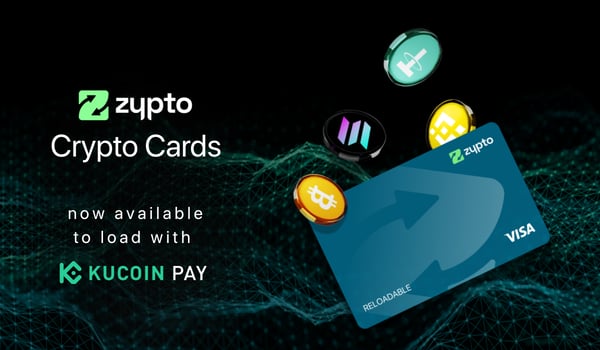
- Load from Zypto's full range of crypto cards
- Physical and virtual, Visa and Mastercard
Buy gift cards
- Over 8,500 brands in the marketplace
- Paid straight from KuCoin
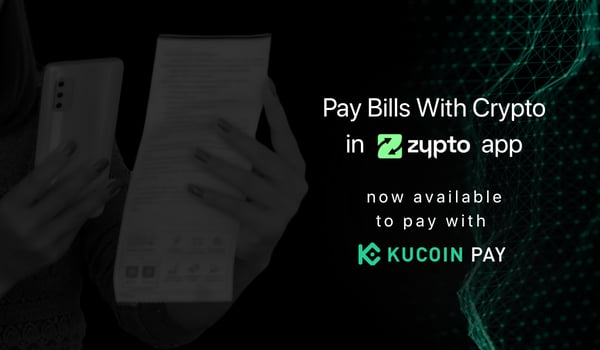
Pay bills
- Settle billers worldwide
- Utilities, telecom, credit cards and loans
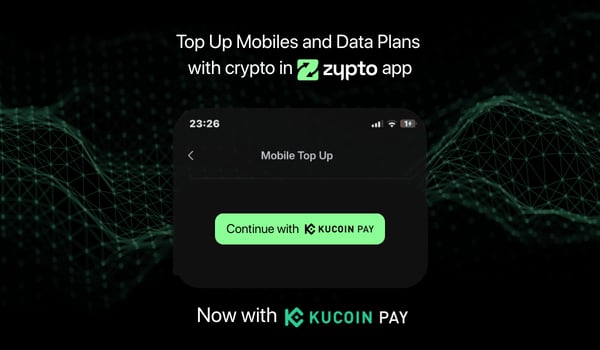
Top up phones
- Airtime and data worldwide
- 800+ operators, 170+ countries
USDC to Cash
- Access cash and USDC in Zypto App at participating MoneyGram locations
- No bank account required
Straight from KuCoin
- Spend directly from your KuCoin balance
- One of several ways to pay in Zypto App
Five steps, from KuCoin to spent.
Funds are used directly from your KuCoin balance, without first moving them to an external wallet.
Pay with KuCoin Pay
- Choose what you want in Zypto App, a card load, gift card, bill, top-up or cash.
- Select the amount to load or spend.
- Select KuCoin Pay as your payment method.
- Confirm the transaction in KuCoin.
- See your “transaction completed” confirmation in Zypto App.
Don't have a KuCoin account? Get one here.
No transfers. Just spend.
Funds are used directly from your KuCoin balance, with no pre-transfer to an external wallet. Spend across the whole Zypto ecosystem in a few taps.
KuCoin Pay FAQs
What is KuCoin Pay in Zypto App?
KuCoin Pay is a payment method built into Zypto App. It lets you spend your KuCoin balance across Zypto's real-world payment services, cards, gift cards, bills, top-ups and USDC to Cash, without first moving funds to an external wallet.
What can I pay for with my KuCoin balance?
You can load physical and virtual crypto cards, buy gift cards from thousands of brands, pay bills, fund mobile top-ups, and access USDC to Cash at participating MoneyGram locations.
Do I need to move funds to another wallet first?
No. Funds are used directly from your KuCoin balance, with no pre-transfer to an external wallet. You confirm each transaction in KuCoin and see the confirmation in Zypto App.
How do I pay with KuCoin Pay?
Choose what you want in Zypto App, select the amount, choose KuCoin Pay as your payment method, confirm the transaction in KuCoin, and you will see a "transaction completed" confirmation in Zypto App.
Do I need a KuCoin account?
Yes, KuCoin Pay uses your KuCoin balance, so you will need a KuCoin account. Don't have one? Get one here.
From the Zypto blog
See what crypto unlocks in your country.
Cards, bills, cash, top-ups and more, with availability and local payment methods that vary by country.
One wallet, every kind of payment
KuCoin Pay is one of many ways to pay across Zypto App.
Crypto cards
The Zypto Premium VISA Card, physical and virtual, spent wherever Visa is accepted.
Crypto cardsPay bills
Settle utilities, telecom and billers worldwide from your crypto balance.
Bill payBuy gift cards
Over 8,500 gift cards from the brands you use, bought with crypto.
Gift cardsUSDC to Cash
Cash-in and cash-out of Zypto App at participating MoneyGram locations worldwide.
USDC to CashTop up any phone
800+ operators across 170+ countries, in under a minute, paid in crypto.
Mobile top-upsHold every chain
Create multichain wallets for 24,000+ assets across 20+ blockchains, with 1,000,000+ crosschain routes.
Multichain wallet