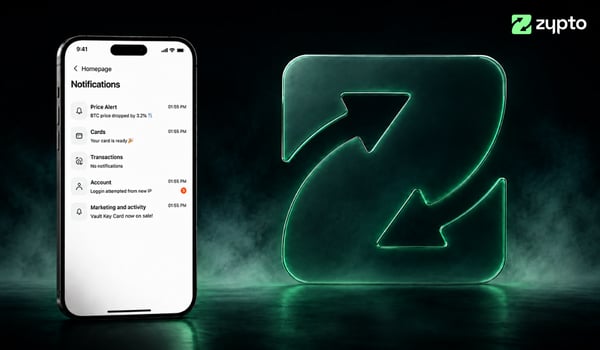
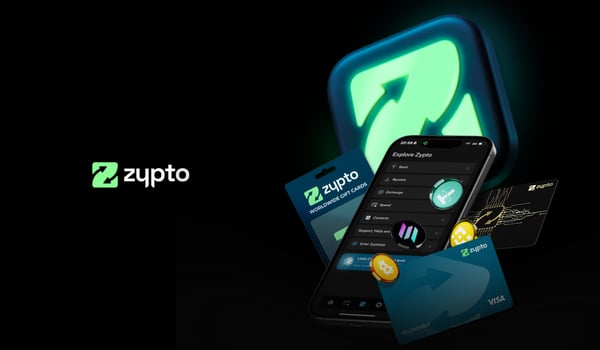
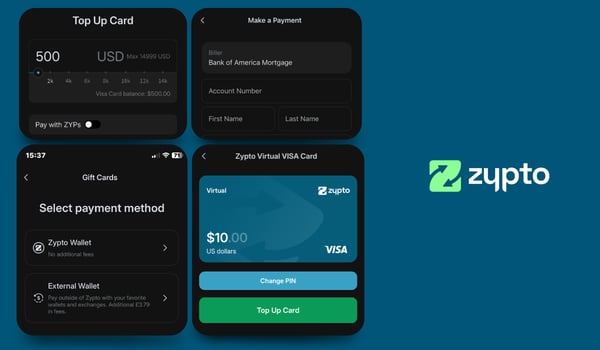
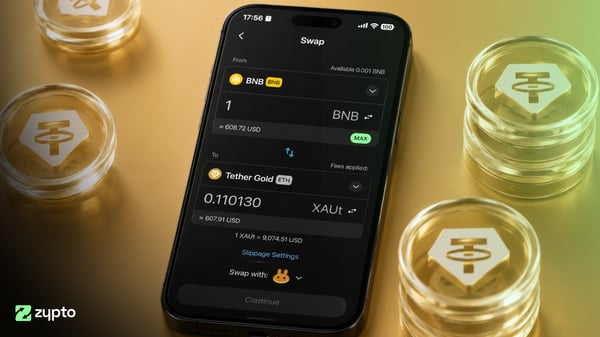
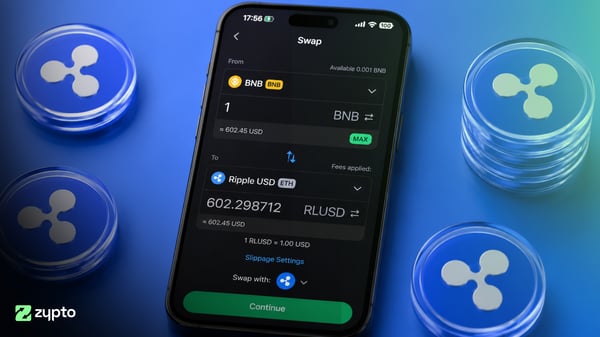
Everyone uses crypto differently. Some people are in every day to swap. Some are topping up a card, paying a bill, or checking a portfolio. So we’ve given Zypto App a fresh new look, and put you in charge of how it’s laid out.
Homepage shortcuts, set up your way
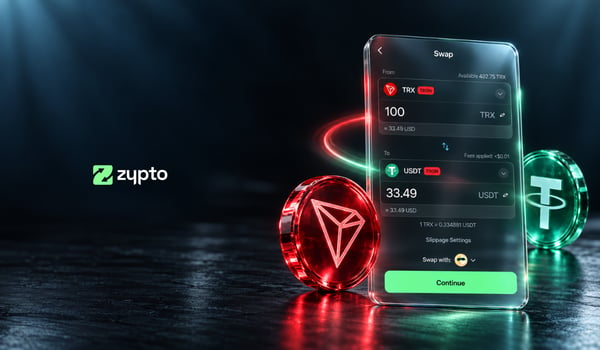
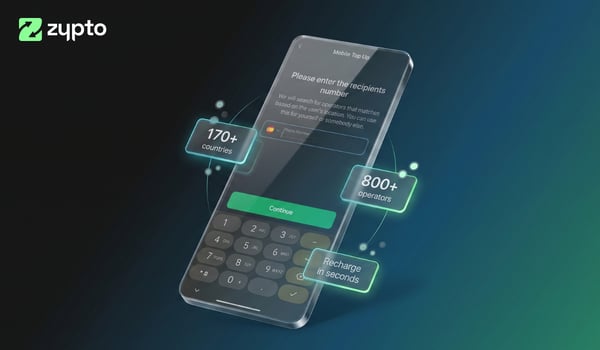
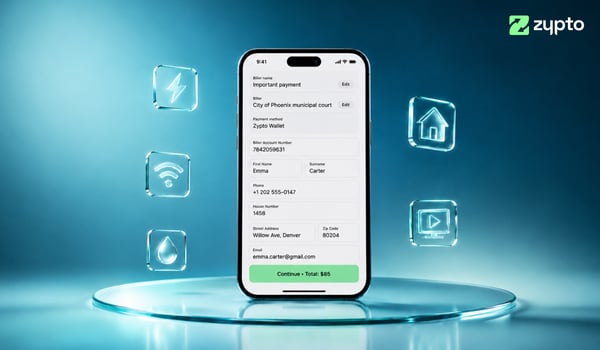
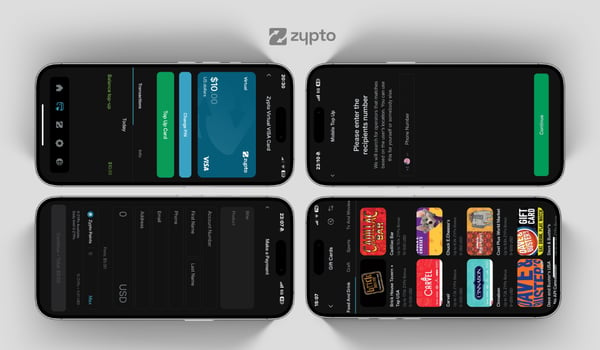
The headline change: configurable homepage shortcuts. Pin the features you reach for most, buying, swapping, your Visa Card, bill payments, top-ups, straight to your home screen, so the things you do all the time are one tap away. If your Zypto looks nothing like the next person’s, that’s the point.
A fresh new look
We’ve redesigned several areas of the app to make it cleaner and easier to move around:
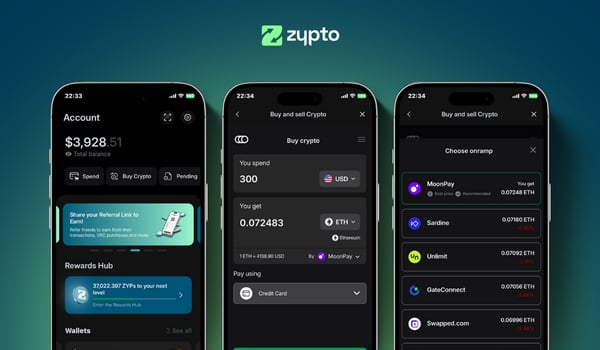
- Refreshed home screen
- Redesigned menu system
- Updated settings screens
- Improved wallet list navigation
- Refined bottom navigation bar
- Updated imagery and icons throughout the app
- Configurable homepage shortcuts for faster access to the features you use most
Nothing about how Zypto works has changed. It’s still fully self-custodial, still your keys, still the same full stack of wallet, card, swaps, bills and more. It just looks sharper and moves the way you want it to.
Your crypto, your layout
Self-custody has always meant your money is yours. Now the app is yours too, set up around how you actually use it. Open Zypto App, tidy your home screen, pin your shortcuts, and make it your own.
Free Your Money. With Zypto.
FAQs
How do I set up homepage shortcuts?
Open Zypto App and choose the features you use most to pin them to your home screen. You can rearrange your shortcuts any time, so your home screen always matches how you use the app.
Did anything change about my wallet or funds?
No. These are visual and navigation updates only. Zypto App is still fully self-custodial, your keys and funds are unchanged, and every feature works exactly as before.
Do I need to update the app to get the new look?
Make sure you're on the latest version of Zypto App from the App Store or Google Play. Once updated, the fresh look and homepage shortcuts will be ready to use.
Prices, fees, features and availability mentioned in this article were correct at the time of publishing and may have changed since.
Related topics