USDC to Cash, no bank needed.
A global bridge between USDC and local currencies. Cash out USDC to physical cash, or cash in to USDC in Zypto App, at participating MoneyGram locations. No bank account? No problem.


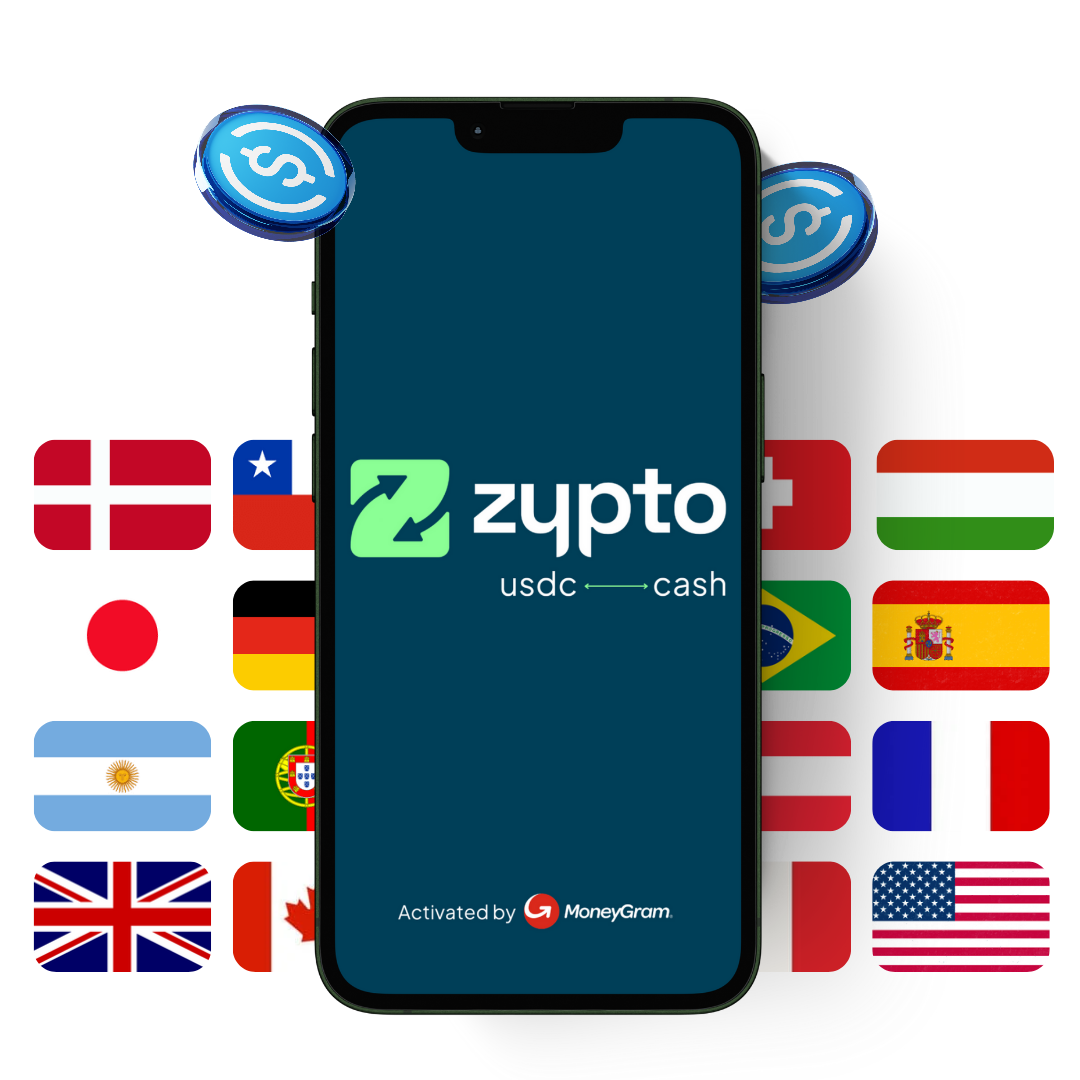
Cash out, or cash in.
Cash-in and cash-out of Zypto App at participating MoneyGram locations, with your USDC held in your own non-custodial wallet until you move it.
Cash-out
- Convert USDC in Zypto App to physical cash
- Collect at a participating MoneyGram location
- No bank account required
Cash-in
- Convert local-currency cash to USDC in Zypto App
- Pay in at a participating MoneyGram location
- USDC lands in your Zypto App wallet
From app to cash, in a few steps.
Set it up in Zypto App, then complete it at the MoneyGram counter.
Cashing out USDC
- Open your Zypto App, tap Exchange and choose USDC to Cash.
- Enter the amount and find your closest participating MoneyGram location.
- Confirm in Zypto App and approve the transfer from your wallet.
- Collect your cash at the MoneyGram counter with your reference.
Your USDC stays in your non-custodial wallet until you approve the transfer, you hold the keys, and you sign every payment yourself. A valid ID is required.
130+ ways to get USDC on Stellar in Zypto App.
Top up the USDC you want to cash out, however suits you.
Buy in Zypto App
- 130+ payment options to buy or fund USDC on the Stellar blockchain
- Card and local payment methods
Swap into USDC
- Cross-chain swaps from 24,000+ assets
- Usually completed in 1 to 5 minutes
Transfer in
- Send USDC from another wallet
- Held safely in your Zypto wallet
On the Stellar network
- USDC on Stellar powers the bridge
- Fast, low-cost settlement
A global bridge between USDC and local currencies.
Get physical cash from your USDC, or turn cash into USDC in Zypto App, without a bank account. Modern payments infrastructure, connecting people globally through MoneyGram's network.
Clear fees, set out in full.
MoneyGram and Zypto USDC to Cash fees by withdrawal amount, and the per-transaction limits.
| Cash-out amount | MoneyGramFee |
|---|---|
| $1 to $99 | $3 |
| $100 to $999 | $4 + 2% of total |
| $1,000 and above | $15 + 1% of total |
| Per-transaction limit | MaximumAmount |
|---|---|
| Cash-in | $950 per transaction |
| Cash-out | $2,500 per transaction |
FX fees may also apply depending on the currency and location. Fees are set by MoneyGram and may vary by location. Transaction limits may vary depending on your region, currency, frequency of use and other factors.
Available at participating MoneyGram locations. Check the current list of supported countries and territories.
Cash access, wherever life takes you.
No bank, no problem
- Get cash without a bank account
- Just your USDC and Zypto App
Travelling
- Pick up local cash on arrival
- No foreign bank or card needed
Onboarding to DeFi
- Turn cash into USDC to get started
- Then use it across the Zypto ecosystem, access any dApp via WalletConnect
Cash when you need it
- Withdraw physical cash on demand
- Useful where cards are not accepted
USDC to Cash FAQs
How do I turn USDC into cash?
In Zypto App, tap on Exchange, choose USDC to Cash, enter the amount and pick a participating MoneyGram location. Approve the transfer from your wallet, then collect your cash at the counter. No bank account is required.
Can I also turn cash into USDC?
Yes. You can cash in local currency to USDC in Zypto App at a participating MoneyGram location, and the USDC lands in your non-custodial Zypto wallet.
Where is it available?
At participating MoneyGram locations as part of a global service. Availability varies, so check the current list of supported countries and territories in Zypto App before you go.
What are the fees?
MoneyGram and Zypto USDC to Cash fees are $3 for $1 to $99, $4 + 2% of total for $100 to $999, and $15 + 1% of total for $1,000 and above. FX fees may also apply depending on the currency and location.
Are there transaction limits?
Yes. Cash-in is a maximum of $950 per transaction and cash-out is a maximum of $2,500 per transaction.
Do I need a bank account?
No bank account is required. You will complete identity verification (KYC) in Zypto App, and your USDC stays in your own non-custodial wallet until you move it.
Which network is used?
USDC on the Stellar network powers the bridge, providing fast, low-cost settlement between USDC and local-currency cash in Zypto App, activated by MoneyGram.
What is a Stellar Trustline, and do I need one?
On the Stellar network, your wallet establishes a trustline to an asset before it can hold it, a one-time step that lets your wallet hold USDC on Stellar. Zypto App guides you through enabling the USDC trustline as part of getting set up. See the Guides & FAQs for step-by-step help.
Everything you need to get started.
Learn about supported countries, enabling Stellar Trustlines, how to cash-in and cash-out, and how to reach support.
From the Zypto blog
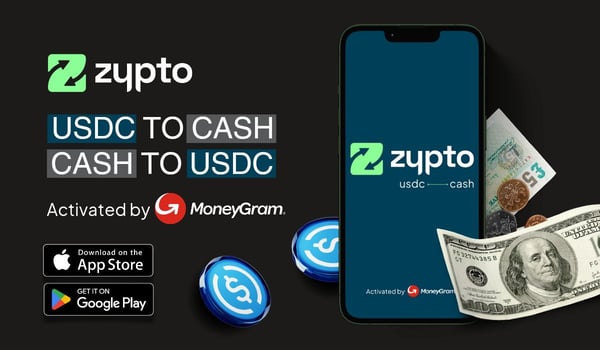
See what crypto unlocks in your country.
Cards, bills, cash, top-ups and more, with availability and local payment methods that vary by country.
One wallet, every kind of payment
USDC to Cash is one of many things Zypto App does with your balance.
Crypto cards
The Zypto Premium VISA Card, physical and virtual, spent wherever Visa is accepted.
Crypto cardsPay bills
Settle utilities, telecom and billers worldwide from your crypto balance.
Bill payTop up any phone
800+ operators across 170+ countries, in under a minute, paid in crypto.
Mobile top-upsBuy gift cards
Over 8,500 gift cards from the brands you use, bought with crypto.
Gift cardsHold every chain
Create multichain wallets for 24,000+ assets across 20+ blockchains, with 1,000,000+ crosschain routes.
Multichain walletStellar wallet
Hold and manage XLM with full self-custody, the network behind USDC to Cash.
Stellar wallet